Hobart Creator Welding Helmet Not Darkening: Fix Guide
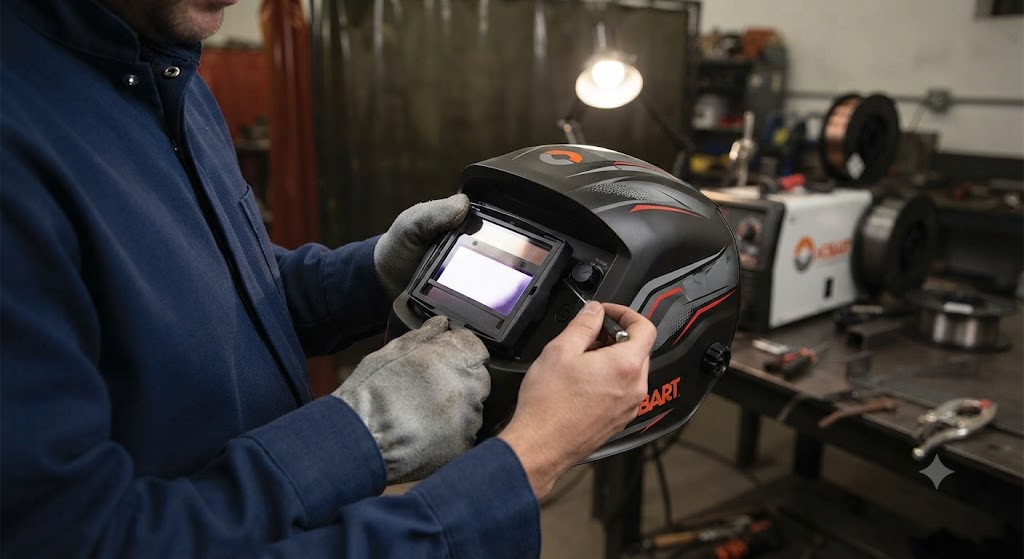
The Hobart Creator gave welders a serious step up from entry-level helmets without stepping into the Inventor’s price bracket. It brought PureColor lens technology, a 7.1-square-inch viewing area, and a low battery indicator into a mid-range package. When the Creator stops darkening, the fix is usually a dead battery or a settings issue.
What Runs the Creator
The Creator uses a single CR2450 3V lithium coin cell, the same Miller/Hobart 217043 part used across the entire Hobart auto-darkening lineup. The helmet has a low battery indicator that lights up when the cell is depleted.
One point of difference from the Inventor: the Creator has three independent arc sensors rather than four. Fewer sensors means angle coverage is slightly more limited. At steep angles or overhead welding positions, the Creator may need a more deliberate orientation toward the arc than the Inventor would.
Fix 1: Replace the CR2450
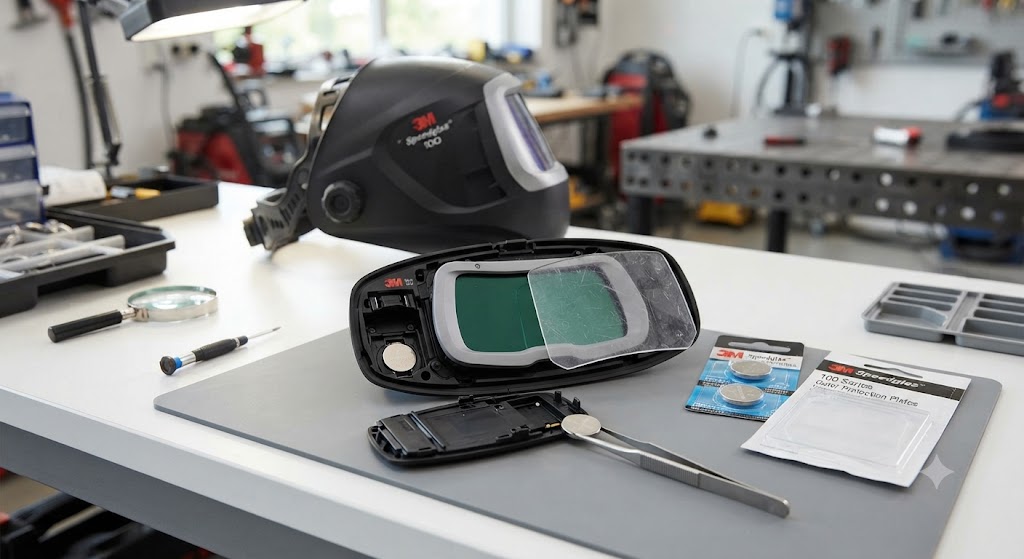
Open the battery compartment on the inside of the ADF. Remove the old cell. Install a fresh CR2450, confirm polarity, close the cover.
Use a name-brand cell. Generic CR2450 cells sometimes have slightly thinner profiles that cause intermittent contact issues. If the low battery LED lights immediately after installing a new cell, the cell is either dead on arrival or making poor contact with the terminals. Check seating before assuming the cell is bad.
Fix 2: Check Grind Mode
The Creator has a grind mode. When active, it holds the lens in its light state for clear grinding visibility. If grind mode is active when you try to weld, the lens will not darken.
Check the grind mode indicator LED. If it is illuminated, switch back to weld mode. This sounds obvious, but an accidental button press during transportation or storage is a common cause of apparent not-darkening failures.
Fix 3: Sensitivity Adjustment
The Creator’s analog sensitivity control adjusts how reactive the ADF is to arc light. At minimum sensitivity, the ADF requires strong arc light to trigger. If you are doing low-amperage TIG work or using the helmet in an unusually dim environment, minimum sensitivity may be too sluggish.
Turn sensitivity to maximum and test with a direct arc strike. If the lens darkens at maximum sensitivity but not at your previous setting, adjust sensitivity back to a mid-to-high setting appropriate for your process.
Fix 4: Clean the Sensors
The Creator has three arc sensors. Clean each one with a soft dry cloth. Inspect the outer cover lens: a yellowed or scratched outer lens reduces light transmission and directly affects sensor triggering. Replace the outer lens if needed.
Part 770858 is the cover lens kit for Creator Series helmets. It includes 5 outer and 2 inner cover lenses.
Fix 5: Check Battery Contacts After Drops
The Creator is a mid-range helmet that often lives in a work truck or job site bag. If it has been dropped or knocked around, spring contacts inside the battery compartment may have shifted. Remove the battery, inspect the terminals, and gently re-center the spring contacts before reinstalling.
The Named Flaw: Sensor Count
The Creator’s three-sensor design is its main practical limitation. In confined spaces or when welding at awkward angles, the three sensors may lose line-of-sight to the arc where a four-sensor helmet would still detect it. This is not a defect but a trade-off of the mid-range design. If you regularly weld overhead, the Inventor’s four-sensor layout is worth the upgrade.
When to Replace the ADF
If every fix has been tried and the Creator still will not darken with fresh batteries, correct sensitivity, and clean sensors, the ADF cartridge needs replacement. Contact Hobart or an authorized distributor for the Creator-specific replacement ADF part number, as it differs from the Inventor’s 770846.
FAQ
What battery does the Hobart Creator use? One CR2450, Miller/Hobart part 217043. Same battery as the Inventor, Impact, and XVX series.
How many sensors does the Hobart Creator have? Three independent arc sensors. The Inventor has four.
My Creator low battery indicator is on but I just changed the battery. What should I check? Confirm the cell is properly seated. Generic CR2450 cells sometimes sit too loosely in the compartment. Try a Panasonic or Energizer cell and make sure the positive face is oriented correctly.
Does the Creator work for TIG welding? Yes. The Creator is rated for low-amp TIG. Set sensitivity to maximum for TIG operations to ensure the ADF detects the low-amperage arc.
Can I use the Inventor cover lens kit (770858) on the Creator? Yes. The 770858 lens kit fits both Inventor and Creator Series helmets.
The Creator darkens for a second and then clears while I am still welding. What causes that? This is typically a marginal battery that cannot sustain the ADF state under load. Replace the CR2450 with a fresh cell. If the problem continues, check that no sensor is partially blocked by a scratched lens or debris.
What is the viewing area of the Hobart Creator? 7.1 square inches. The Inventor is larger at 9.3 square inches.
Part information sourced from Hobart Welders official documentation and Tractor Supply product literature.