Hobart Inventor Welding Helmet Not Darkening: Fix Guide
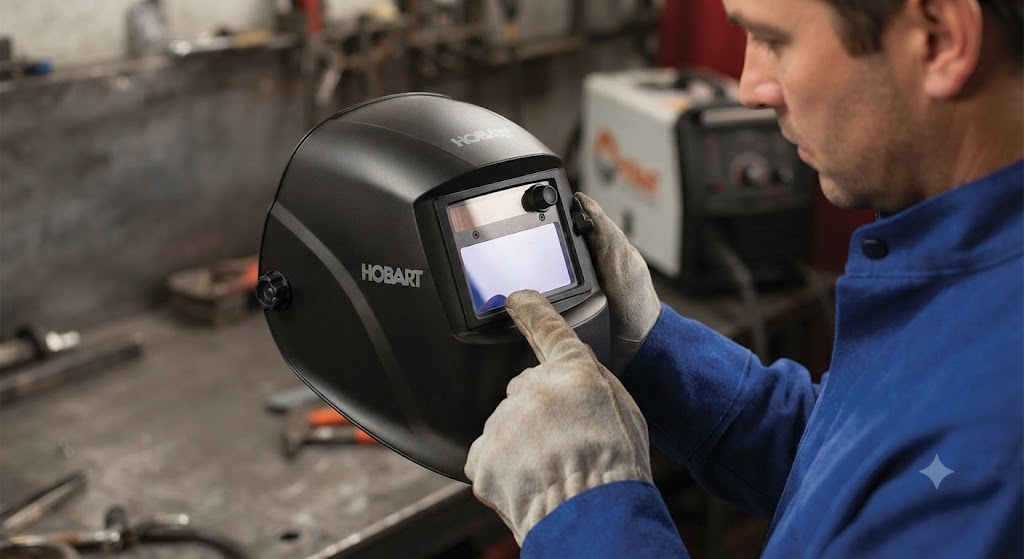
The Hobart Inventor is a helmet welders rely on. When it stops darkening, frustration arrives fast. The good news is the Inventor’s not-darkening failure has a short list of causes, and most of them take less than five minutes to resolve.
The Most Likely Cause: A Dead CR2450
The Inventor runs on a single CR2450 lithium coin cell (Miller/Hobart part 217043). A depleted cell is the cause of the not-darkening complaint in the majority of cases.
Signs the battery is at fault:
- The low battery indicator light is lit
- The helmet worked fine last session and has been sitting in storage
- Sensitivity adjustments make no difference
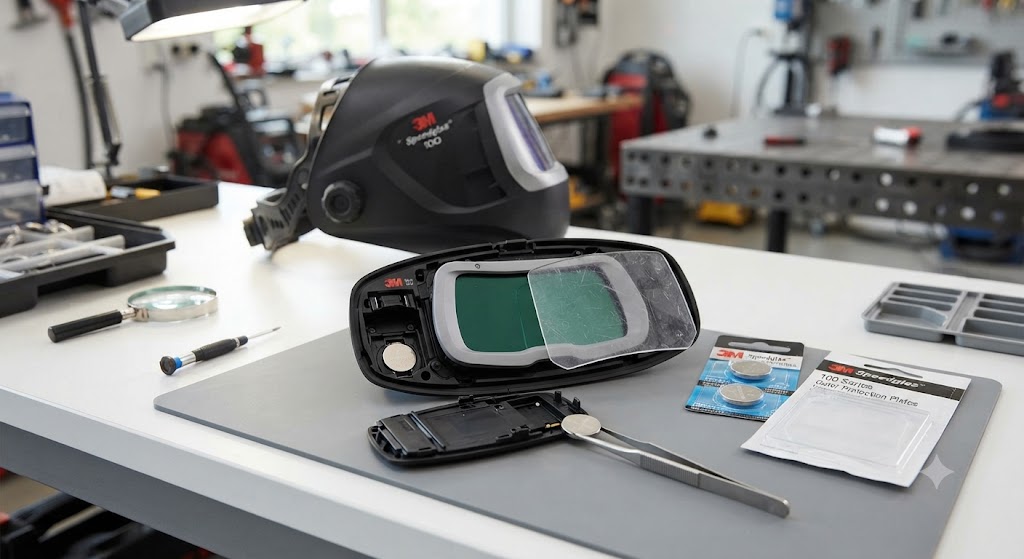
Fix: replace the CR2450 with a fresh name-brand cell. Pop the battery compartment on the inner ADF housing, swap the cell, confirm polarity, close the cover. The Inventor’s auto-on/off circuit should wake immediately and the lens should darken at the next arc strike.
Grind Mode: Check It First
The Inventor has a grind mode that prevents the lens from darkening. It is designed for grinding where darkening is unwanted. If the helmet was stored with the controls bumped or the mode button was pressed accidentally, grind mode may be active.
Check the mode indicator and confirm the helmet is in weld mode. If the grind mode indicator is lit, press the mode button to switch back to weld mode, then test the ADF.
Sensitivity Set Too Low
The analog sensitivity dial on the Inventor’s interior adjusts how much arc light is required to trigger darkening. If turned too far toward minimum, low-amperage processes like TIG at 30 amps may not trigger the ADF at all.
Turn sensitivity to maximum and strike a test arc. If the helmet darkens, adjust sensitivity back toward the appropriate level for your process. High sensitivity is correct for most indoor welding. Low sensitivity is only needed when welding outdoors in direct sunlight.
Sensors: Dirt and Angle
The Inventor’s four arc sensors are positioned to give 180-degree arc coverage. Each sensor is a small rectangular window on the lens frame. When they accumulate spatter, dust, or scratched lens material, their sensitivity drops.
Wipe all four sensors with a soft dry cloth. Replace the outer cover lens from kit 770858 if it is scratched or darkened by weld smoke. A dirty or tinted outer lens reduces the light signal reaching the sensors before it even gets there.
Also check welding angle. Sensors need at least partial line-of-sight to the arc. At extreme angles beyond 45 degrees, the ADF may not trigger. Adjust your head position so the sensors face the arc.
Battery Contact Issues After a Drop
The Inventor is a workhorse helmet that sometimes gets treated accordingly. If it has been dropped, the battery spring contacts may have shifted slightly. Remove the battery, inspect the contacts, and press the spring gently back to center with a plastic pick. Reinstall the battery and test.
This cause is easy to overlook because the helmet otherwise looks fine.
The Lens Stays Dark After Welding
This is the opposite problem: the lens darkens normally but does not clear after the arc ends. The delay control is set too high. The delay dial controls how long the ADF stays dark after the arc is extinguished. Turn the delay dial toward its minimum setting and test.
If the lens stays dark even at minimum delay, this is a different failure mode. Remove the batteries for 30 seconds, reinsert, and retest. If the lens remains locked dark, the ADF may need replacement (part 770846).
When Nothing Works
If you have replaced the battery with a fresh name-brand CR2450, confirmed weld mode, raised sensitivity to maximum, cleaned all four sensors, replaced the outer lens, and the Inventor still will not darken at any arc, the ADF cartridge is likely faulty.
Replacement ADF for Inventor Series: 770846. The complete cartridge swaps out without tools and includes all electronics.
FAQ
Why did my Hobart Inventor stop darkening suddenly? Sudden failures almost always trace to a dead battery or an accidental mode change. Replace the CR2450 (part 217043) first.
My Inventor has a low battery light but I just changed the battery. What now? Confirm you used a name-brand CR2450 and that it is fully seated. Generic batteries with slightly different thickness may not make solid contact with the spring terminals.
Does the Inventor have an on/off switch? No. The Inventor uses an auto-on/off system that activates the ADF when the arc fires. If the auto-on circuit fails, the helmet will not respond.
How many sensors does the Hobart Inventor have? Four independent arc sensors, which is one more than the Creator and Pillar. Four sensors give better coverage for out-of-position welding.
Is the Inventor ADF replaceable? Yes. The replacement ADF cartridge is part 770846, available at welding distributors and hobartweldshop.com.
Can a scratched outer lens cause the Inventor not to darken? Yes. A heavily scratched or smoke-tinted outer lens can reduce light transmission enough to affect sensor triggering, especially at low amperage. Replace the outer lens from kit 770858.
My Inventor darkens but takes too long to clear. Is that a battery issue? No. Slow clearing is a delay setting issue. Reduce the delay using the analog delay control on the ADF interior.
Verified part information sourced from Hobart Welders product documentation and hobartweldshop.com.