Lincoln Viking 3350 Green Light Flashing: What It Means and How to Fix It
You flip your hood down, and there it is, a small green light blinking away inside the lens. A flashing green light on a Lincoln Viking 3350 sends welders straight to the forums assuming the worst, but in most cases it is not a fault at all. It is the helmet telling you something specific, and the fix is usually a few button presses. Here is how to read the signal and clear it.
First, Identify Which Light You Are Seeing
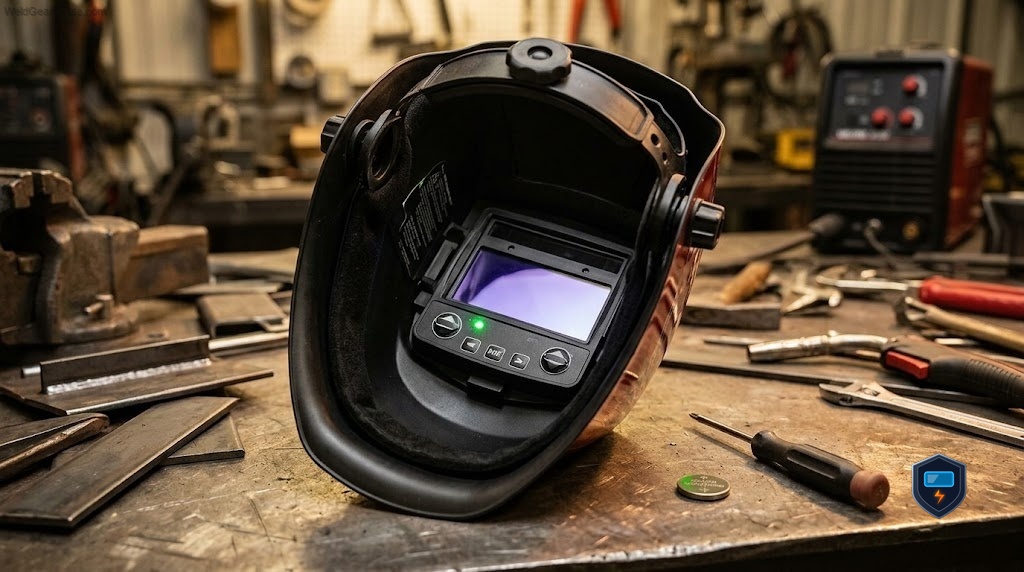
The Viking 3350 uses small indicator LEDs and a low battery warning, and the two get confused constantly. Sorting them out is the whole game:
- A flashing green light inside the lens on the 4C and later cartridges most often means grind mode is active. The helmet is working perfectly, it is just in a mode where the lens will not darken to a welding shade.
- A separate low battery indicator is a different signal telling you the CR2450 coin cell is spent, covered in the manual’s warnings.[^https://ch-delivery.lincolnelectric.com/api/public/content/253a9f3037de44978671ae8e53f74297?v=46890a6c]
Get these two straight before you do anything else, because the fixes are completely different.
Grind Mode: The Most Common Cause
The Viking 3350 has a dedicated grind mode that keeps the lens at a light shade so you can see while grinding. When grind mode is on, the cartridge flashes a green indicator as a reminder that the lens will not darken for welding, which is a safety feature so you never strike an arc thinking you are protected.
On helmets with an external grind button, press and hold the grind button for about three seconds to toggle grind mode off. The flashing green light stops and the lens returns to normal welding operation, darkening when you strike an arc.[^https://www.lincolnelectric.com/en-us/support/welding-how-to/Pages/setting-auto-darkening-helmet.aspx] If you are grinding and want the light shade back, that same button turns it on again.
The Grind-and-Test Reset
If the green light keeps flashing and toggling grind mode does not clear it, the cartridge may need a reset. The common field reset on the Viking 3350 is to press and hold the grind and test buttons together for two to three seconds until the test light glows solid, then release. This clears a stuck indicator state and returns the lens to normal.
After the reset, hit the test button on its own: the lens should darken momentarily to confirm the ADF is responding.
If It Is Actually the Low Battery Light
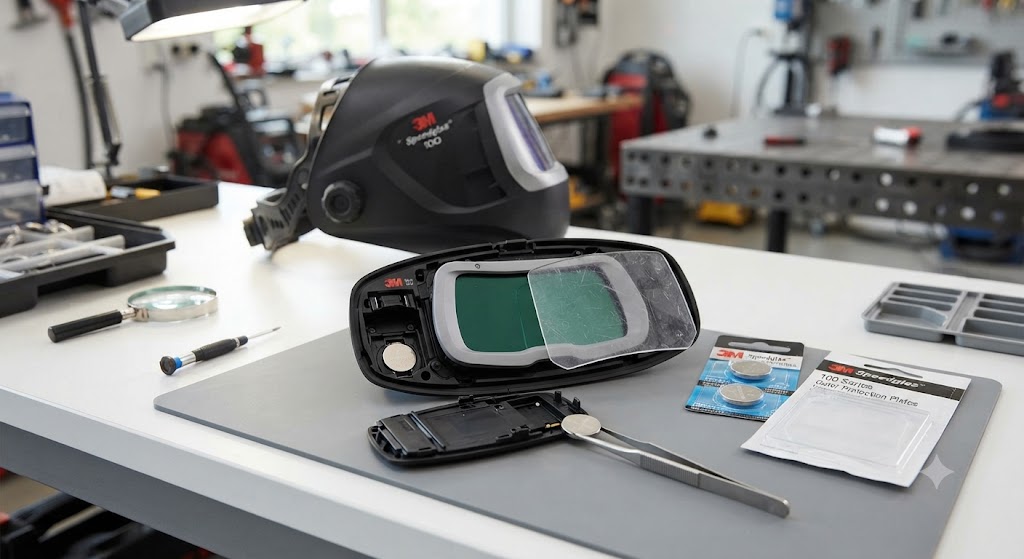
If what you are seeing is the low battery warning rather than the grind indicator, the fix is a fresh CR2450 coin cell, Lincoln part KP4491-1. Because the 3350 is solar-assisted, also store the helmet face-up in the light so the solar panel keeps the system topped off, and a battery that keeps triggering the warning even when idle points to a defective cartridge under the three year warranty.
When to Suspect a Real Fault
Start worrying only if, after confirming grind mode is off, resetting the cartridge, and fitting a fresh battery, the lens still flashes green and will not darken when you strike an arc or press test. A lens that will not darken in weld mode after all that is a genuine cartridge fault, and the Viking 3350’s three year warranty is your next step.
The Bottom Line
A Lincoln Viking 3350 green light flashing is far more often a message than a malfunction, and nine times out of ten it means grind mode is switched on. Toggle grind mode off with a three second hold, and if it lingers, run the grind-and-test reset until the test light is solid. Rule out the low battery indicator with a fresh CR2450, and only then consider the warranty. Learn to read that little green blink and it stops being alarming, it becomes the helmet doing exactly what it was designed to do: refusing to let you grind blind or weld unprotected.
Frequently Asked Questions
Why is the green light flashing on my Lincoln Viking 3350? Most often it means grind mode is active. The cartridge flashes green to remind you the lens will not darken to a welding shade while in grind mode.
How do I turn off grind mode on a Viking 3350? Press and hold the grind button for about three seconds to toggle grind mode off. The flashing green light stops and the lens returns to normal welding operation.
How do I reset a Viking 3350 cartridge? Press and hold the grind and test buttons together for two to three seconds until the test light glows solid, then release. This clears a stuck indicator state.
Is the flashing green light a sign my helmet is broken? Usually not. It is normally the grind mode indicator. Only suspect a fault if the lens will not darken in weld mode after you turn off grind mode, reset the cartridge, and fit a fresh battery.
Is the green light the same as the low battery light? No. The low battery indicator is a separate warning that the CR2450 cell is spent. Identify which signal you have before choosing a fix.
The lens will not darken after I stopped the flashing. What now? Press the test button to check the ADF responds. If it still will not darken with grind mode off and a fresh battery installed, the cartridge is likely faulty and covered by the three year warranty.
What battery does the Viking 3350 use if it is the low battery light? A CR2450 lithium coin cell, Lincoln part KP4491-1, working with the helmet’s solar assist.
References
- Lincoln Electric VIKING 3350 Series operator manual (indicators, low battery, grind mode): https://ch-delivery.lincolnelectric.com/api/public/content/253a9f3037de44978671ae8e53f74297?v=46890a6c
- Lincoln Electric, Setting an Auto-Darkening Welding Helmet: https://www.lincolnelectric.com/en-us/support/welding-how-to/Pages/setting-auto-darkening-helmet.aspx