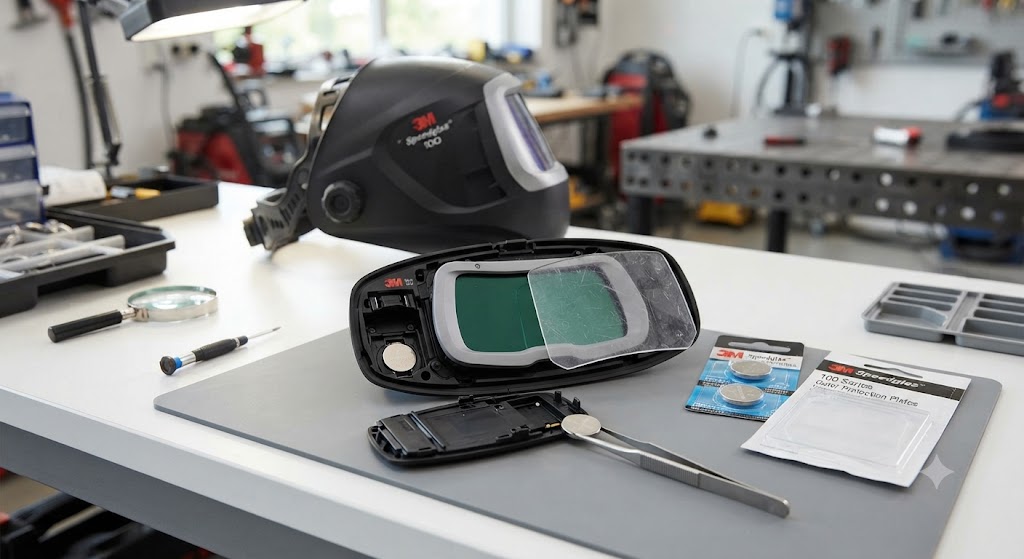
Miller Welding Helmet Battery Keeps Dying: Diagnosis and Fixes
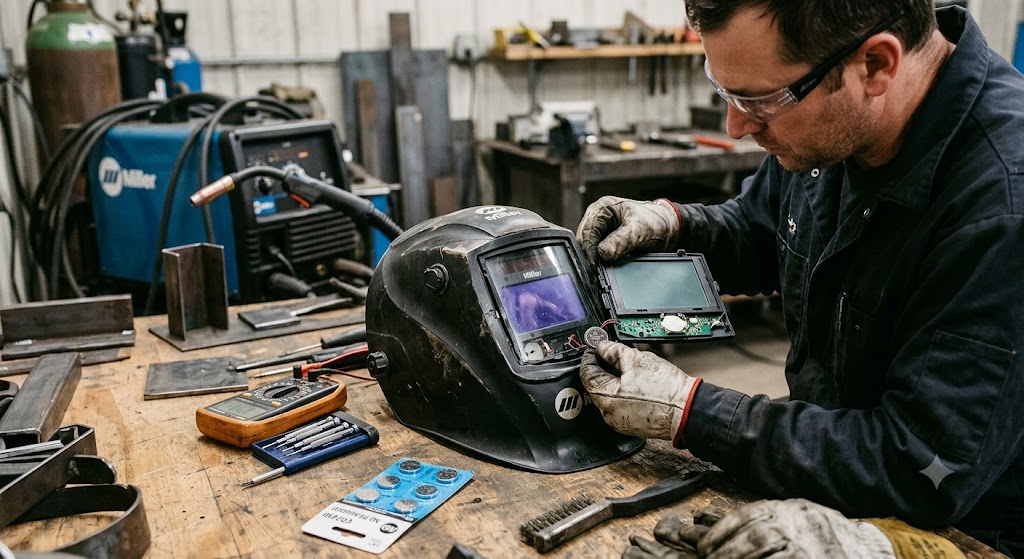
A Miller hood has a reputation for lasting, so when your Miller welding helmet battery keeps dying it feels like a betrayal of the blue badge. Before you decide the electronics are shot, know that the overwhelming majority of these cases come down to three things: the cell, the contact, and the way the helmet is stored. This walks through each one so you can stop replacing batteries and get back to welding.
What Powers a Miller Auto-Darkening Helmet
Miller’s auto-darkening helmets run on a solar-assisted design backed by a replaceable CR2450 lithium coin cell, Miller part number 217043. That single battery fits nearly the entire Miller lineup, with the notable exception of the Classic and analog Pro-Hobby series, and it doubles as the correct cell for many Hobart lenses too.[^https://store.cyberweld.com/products/miller-welding-helmet-replacement-cr2450-lithium-battery-217043] Two important details: the Digital Elite and Digital Infinity use two of these cells in separate trays, not one, and the solar cell shoulders part of the load so the battery lasts longer than in a battery-only hood.[^https://www.weldersupply.com/P/1307/MillerDigitalInfinityHel]
The Usual Causes
A bad or old battery. It sounds too simple, but seasoned Miller users say it first for a reason: coin cells fail, and cheap or old ones fail early. If a fresh battery from a fresh package restores normal life, you had a dud, not a broken helmet.
A poor battery contact. Miller’s own guidance points to this often. A cell that is not seated firmly, or a slightly dirty or bent contact tab, causes intermittent power that mimics a dying battery. On a Digital Elite or Infinity, one weak tray connection is enough to cause trouble.
Storing the helmet in the dark. Because the lens is solar-assisted, leaving it face-down in a dark case means the solar cell never recharges. Store it face-up in light and the battery does far less work.
Both cells not matched. On two-battery helmets, mixing an old cell with a new one, or installing one backward, drags the whole system down.
The Fix Sequence
- Reseat the batteries to reset the lens. Remove the front cover lens and lens holder, slide out the battery tray, take the cells out, wait a moment, then reinstall them firmly with correct polarity. This reseat doubles as a system reset that clears a poor-contact fault.
- Install fresh, quality cells, all at once. Use genuine Miller 217043 or a name-brand CR2450, and on two-battery helmets replace both together so they are matched.[^Check on Amazon]
- Clean the contacts. Wipe the battery tray contacts with a dry cloth or cotton swab to clear corrosion or debris that increases resistance.
- Store the helmet in the light. Set it where the solar panel catches room light between sessions instead of sealing it in a dark drawer.
- Check the mode after a battery change. On the Digital Infinity and Elite, a battery swap can leave the helmet in an unexpected mode that looks like a fault. Confirm the shade, sensitivity, and any X-mode setting before assuming the lens is bad.
When It Really Is the Helmet
If you have installed fresh matched cells, cleaned and reseated the contacts, stored it in the light, and the battery still drains while the helmet sits unused, the cartridge has an internal drain. That is the point to stop buying batteries and use Miller’s True Blue warranty rather than chasing the problem with consumables.
The Bottom Line
When a Miller welding helmet battery keeps dying, the fix is almost always in your hands: a fresh matched CR2450, a firm clean contact, a reseat to reset the lens, and storage in the light so the solar assist can pull its weight. Save the warranty call for the one symptom none of that explains, drain while idle. Treat the hood as the small solar system it is, and a Miller earns back the reputation that made you buy blue in the first place.
Frequently Asked Questions
What battery does a Miller welding helmet use? Most Miller auto-darkening helmets use the CR2450 lithium coin cell, Miller part 217043, except the Classic and analog Pro-Hobby series. Digital Elite and Digital Infinity use two of them.
Why does my Miller helmet battery keep dying? Usually a bad or old cell, a poor or dirty battery contact, or storing the helmet in the dark so the solar cell cannot recharge the system.
How do I reset a Miller auto-darkening lens? Remove the cover lens and lens holder, slide out the battery tray, take out the cells briefly, then reinstall them firmly with correct polarity. Reseating the batteries clears many contact faults.
Do I need to replace both batteries on a Digital Elite or Infinity? Yes. Replace both cells together with fresh, matched, name-brand batteries so an old cell does not drag down the system.
Should I store my Miller helmet in sunlight? Store it face-up in normal room light so the solar panel keeps the system topped off. It does not need direct sunlight, just light instead of a dark case.
My Miller lens acts strange after a battery change. Is it broken? Often not. A battery swap can leave the helmet in an unexpected mode. Recheck shade, sensitivity, and X-mode settings before concluding the lens has failed.
When should I use the warranty? If fresh matched cells, clean reseated contacts, and light storage do not stop the drain, and the battery dies while the helmet is idle, the cartridge is faulty. Use Miller’s True Blue warranty.
References
- Miller Welding Helmet Replacement CR2450 Battery 217043 (fitment details): https://store.cyberweld.com/products/miller-welding-helmet-replacement-cr2450-lithium-battery-217043
- Miller Digital Infinity Helmet Battery CR2450 217043 specifications: https://www.weldersupply.com/P/1307/MillerDigitalInfinityHel