Optrel Crystal 2.0 Not Darkening: Troubleshooting Guide
The Optrel Crystal 2.0 is a precision Swiss instrument, and it tells you exactly what is wrong if you know how to read the signals. When it stops darkening, the built-in green LED diagnostic points directly at the cause in most cases. This guide walks every step from the simplest fix to the point where a service call is warranted.
Read the Green LED First
The Crystal 2.0 ADF has a green LED indicator inside the shell. Before touching anything else, check it.
- Green LED flashing: Batteries are depleted. Replace both CR2032 cells immediately.
- Green LED not visible or off with no arc response: May indicate dead batteries below the threshold to trigger the LED, or ADF failure.
- ADF appears to darken but not enough: Sensitivity setting or shade level needs adjustment, not a battery issue.
The green LED flash is the Crystal 2.0’s explicit message to you. If it is flashing, skip everything else and replace the batteries.
Fix 1: Replace Both CR2032 Cells
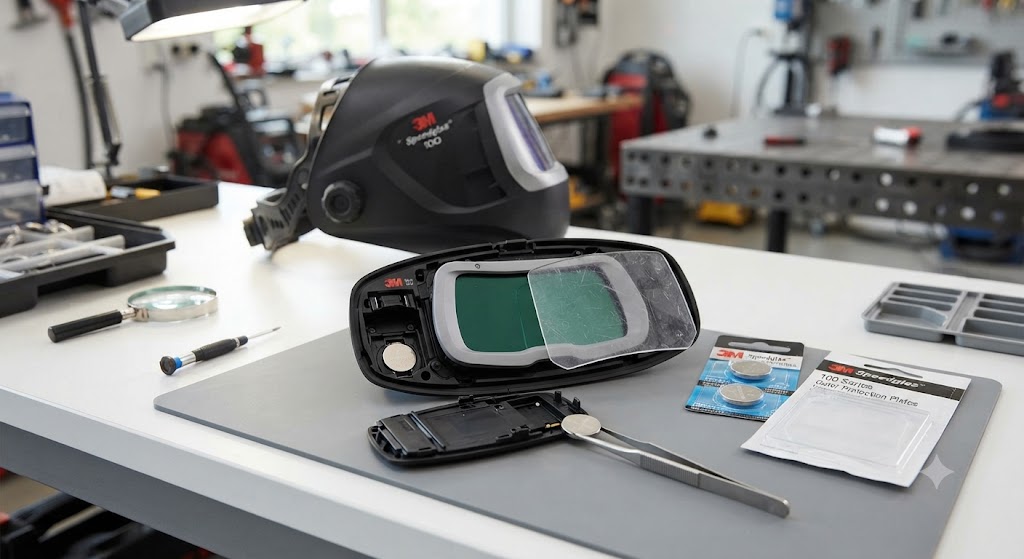
The Crystal 2.0 runs on two CR2032 3V lithium cells. The battery compartment is inside the helmet shell, behind the control knobs, under the rubber cover.
Replacement steps:
- Open the rubber battery cover
- Remove both old cells
- Install fresh CR2032 cells with correct polarity
- Replace the rubber cover
Use name-brand CR2032 cells: Panasonic, Energizer, or Duracell. Generic CR2032 cells may vary in thickness and contact quality.
Do not replace just one cell. Even if one cell tests higher on a multimeter, mismatched cells cause erratic ADF behavior. Replace both.
After replacing batteries: Hold the ADF under a bright lamp for about one minute. The Crystal 2.0 sometimes requires this initial light exposure to wake up the ADF electronics after battery replacement, especially if the helmet was stored in a dark location for an extended period. This is documented behavior, not a defect.
Fix 2: Clean the Arc Sensors
The Crystal 2.0’s arc sensors can become clogged with weld fume residue, dust, and spatter. When sensors are contaminated, the ADF may not respond to the arc or may respond sluggishly.
From optrel.com’s official troubleshooting guide: “The sensors may be dirty or clogged - clean the sensors.”
Wipe the sensor windows with a soft dry cloth. Do not use solvents. Check for physical damage or cracks in the sensor windows.
Also check that no part of the helmet shell or accessories is blocking the sensor field of view.
Fix 3: Adjust Sensitivity
The sensitivity slider on the Crystal 2.0 controls how much arc light is needed to trigger darkening. At minimum, only intense arcs at close range trigger the ADF. At maximum, even low-amperage TIG arcs trigger reliably.
Slide sensitivity to maximum and test with a direct arc strike. If the ADF darkens, the previous sensitivity setting was too low for your process or environment. Optrel recommends using the “Super High” sensitivity range for TIG and low-amperage work.
Fix 4: Check for Grind Mode
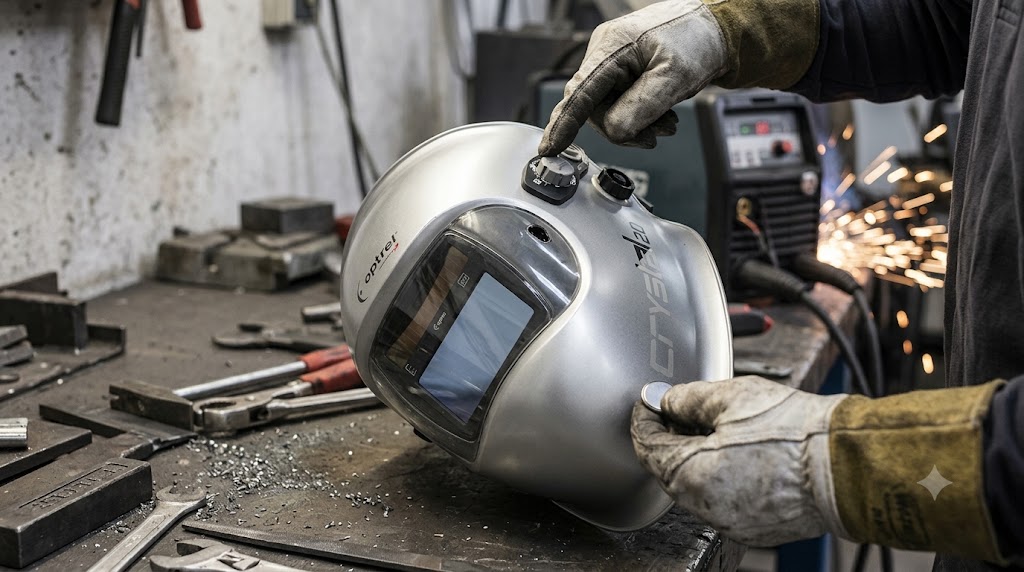
The Crystal 2.0 has a grinding mode that holds the lens clear. If grind mode is active, the lens will not darken regardless of arc intensity. Confirm the helmet is in weld mode using the control knobs.
Optrel’s troubleshooting note: “Flashing -> Grind Mode or battery warning.” The LED behavior changes depending on which condition is active.
Fix 5: Replace the Front Cover Lens
A severely scratched, tinted, or spatter-damaged outer cover lens (part 5000.212) reduces the light reaching the sensors. Replace the outer cover lens if it has visible damage and test again.
This is rarely the sole cause of not darkening, but it contributes to borderline cases where the sensors receive just enough light at high amperage but fail to trigger at lower amperages.
The Named Flaw: Intermittent Flickering
A specific complaint reported on weldingweb.com by Crystal 2.0 owners: the ADF flickers between light and dark during welding and sometimes fails to stay dark. The described owner replaced batteries without resolution and contacted Optrel.
Optrel’s customer support identified the issue as an ADF electronics fault rather than batteries or sensors. The helmet was repaired under warranty. Optrel’s customer service response was notably fast in this documented case.
The lesson: if the Crystal 2.0 flickers consistently with fresh batteries and clean sensors, and sensitivity is set correctly, contact Optrel support. The ADF electronics may need assessment by a certified service partner. Optrel’s warranty covers manufacturing defects and the company is known for responsive support.
The True Color Advantage and What It Means for Troubleshooting
The Crystal 2.0’s CLT (Crystal Lens Technology) produces a true-color rendering of the weld zone. If you switch to the Crystal 2.0 from a standard green-tinted ADF, the weld pool may look noticeably brighter and clearer even at the same shade setting.
This can create a false impression that the ADF is “not dark enough” when it is actually performing correctly. If the view is clear and detailed but the shade level feels low, try increasing the shade setting by one increment before assuming the ADF is faulty. True-color lenses transmit a different spectral profile than standard ADFs at the same nominal shade number.
When to Contact Optrel
If fresh CR2032 batteries are installed, all sensors are clean, sensitivity is at maximum, grind mode is off, and the cover lens is fresh, and the Crystal 2.0 still will not darken:
- Contact Optrel USA at 401-398-7240 or via optrel.us/contact-optrel
- The ADF cartridge (part 5012.900) may need replacement by a certified service partner
- Optrel recommends that defective batteries in the Helix and Panoramaxx series (which use non-user-replaceable batteries) be replaced by a certified service partner - the Crystal 2.0’s user-replaceable CR2032 is different, but ADF electronics faults still require professional assessment
FAQ
What does the flashing green LED mean on the Optrel Crystal 2.0? Batteries are depleted and must be replaced immediately.
What battery does the Crystal 2.0 use? Two CR2032 3V lithium button cells.
My Crystal 2.0 doesn’t darken even after replacing batteries. What now? Hold the ADF under bright light for one minute to allow wake-up initialization. Then check sensitivity setting and clean the sensors.
Can the Crystal 2.0 be used outdoors in direct sunlight? Yes, but reduce sensitivity. High ambient light can conflict with arc detection at maximum sensitivity settings.
My Crystal 2.0 darkens but not enough. Is that a battery issue? Unlikely. Insufficient darkening shade is almost always a shade level setting issue. Increase the shade setting using the control knob.
How often should I replace the cover lens on the Crystal 2.0? Whenever it shows visible scratches, pitting, or yellowing. In production TIG environments with clean base metals, outer lenses last weeks to months depending on spatter levels.
Does the Crystal 2.0 ADF require a service partner for battery replacement? No. The Crystal 2.0 uses user-replaceable CR2032 cells. The Helix and Panoramaxx series use non-user-replaceable rechargeable batteries that require service partner attention, but the Crystal 2.0 is different.
What is the ADF part number if I need a full replacement? 5012.900 - the complete replacement ADF cartridge for the Crystal 2.0.
Troubleshooting guidance sourced from the Optrel Crystal 2.0 Quick Start Manual, optrel.com official FAQ, and weldingweb.com user reports.